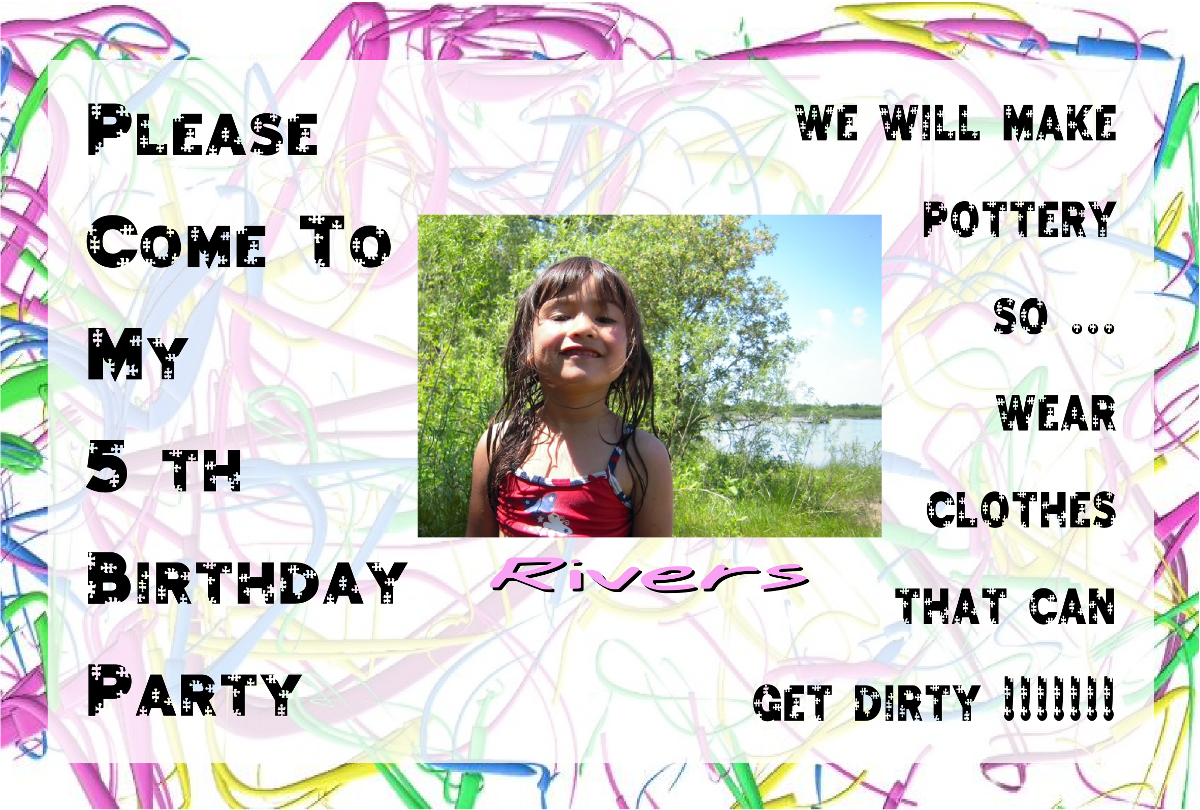
Making invitations is much more fun than buying them.
Monday, November 28, 2011
Wednesday, November 23, 2011
CEDO 530 Week 6: The End
Another close to another good class. I'm glad I got a chance to try a few things out that I just haven't had the time to try out before. I know I'll be taking the process and style of creating presentations to heart and will even be thinking about how to use presentations for other things, not just presenting in front of an audience.
Another thing I'll be taking to heart is the mindset of telling stories, no matter what you are presenting. I think that if I can start to incorporate this mindset in how I present anything to anyone I will be more effective at what I do. I know I'll have to work on it but I think the payoffs will be worth it.
I wasn't disappointed, but surprised that we didn't actually do a personal digital story seeing as a lot of what we talked about, studied, watched and read dealt with personal stories. I'd like to try one sometime just to have the experience.
Another thing I'll be taking to heart is the mindset of telling stories, no matter what you are presenting. I think that if I can start to incorporate this mindset in how I present anything to anyone I will be more effective at what I do. I know I'll have to work on it but I think the payoffs will be worth it.
I wasn't disappointed, but surprised that we didn't actually do a personal digital story seeing as a lot of what we talked about, studied, watched and read dealt with personal stories. I'd like to try one sometime just to have the experience.
CEDO 530 Week 5: Pecha Kucha
I spent too much time this week working on my Pecha Kucha, a 20 slide presentation - 20 seconds each. My presentation is a primer for newbies to 2D graphics, informing them about things they will need to learn about in order to create the kind of presentation that this displays. Actually, this presentation is really about itself.
Planning & Process: Before this week I had spent some time looking for a good online story boarding app but didn't come up with anything satisfactory. The static table based template we used was cumbersome because it would have taken a lot of work to rearrange the slides, cell text by cell text. Barring finding a good app, I think next time I'll just use a presentation program itself and create a storyboard template. Then I'll be able to just rearrange the sides if/when the need arises as it did in the one that I did.
I created each slide using Inkscape and Gimp graphics editors with either original graphics and photos or found images. I set up a template for layout, fonts, colors and other elements. I learned a lot about how to go about creating a nice uniform presentation style and so from now on the process will be much easier.
Linear Video Editing: I did my very first ever video production using WeVideo. The program itself worked out fine except I'm not happy with how it's almost impossible to get all the tracks in a scene to synchronize exactly at the start and end times. I didn't use any video footage but used all custom graphics and text. I started out animating (fade in & out) elements of each slide to synchronize with the voice over. This was a tedious task because I had to save each element of the slide individually as well as position it on the timeline. I only did this for the first 4 slides. I had to do the rest with just the static slide for the rest because of time constraints. I now know the amount of work it is to create professional quality multi-media (though mine is still nowhere near professional quality yet). I haven't looked yet but my next app to look for is a an online video editing program that can cut and splice.
Graphics: I love working with graphics. Period. And my hope is that this presentation will inspire others to take the plunge and try doing some.
Voice Over: Writing the script for the voice over wasn't that hard once I decided on the essential concepts to be presented. Occasionally, I changed the voice over from the draft depending on what the content of the slide actually turned out to be. I sometimes changed the content depending on what images I could find to convey my thoughts. This in turn changed what I would say. The real challenge was recording. Many slides had from 20-27 seconds of recorded text. Editing the text down to bare essentials while still conveying the necessary meaning was an interesting task.
Enjoy!
Monday, November 7, 2011
CEDO Week 4: Virtually
I was very impressed with the Prezi sample from the Digital Media group, "Techno-kinship: the new virtual". Besides the polished production of it, the content is something to ponder about. I remember a few years back (1992) while I was traveling in Indonesia and visited a village and into the terraced rice/vegetable fields in the mountains. The scattered roadside shops and coffee houses were the gathering and focal points of the village. Every one lives here and there throughout the fields but comes up to the shops for socialization, gossip and news as well as to make the occasional phone call somewhere. I wondered then how the introduction of cell phones would change the social structure of the people. They would no longer have the same need to gather and socialize. Not that it would stop completely, but that things would certainly change. It probably has by now and I wonder how their lives have been affected.
It's a bit different with people in developed countries. We've lived with, in and through logarithmic change for about 150 years now, being both the creators and recipients of technological advancements. We are more used to it. But for people who have lived practically the same for centuries to have the latest future come upon them - it must be an overwhelming change.
Even though we live in the midst of it however, we still can't foresee its blessings or consequences because of the rate of change. Virtual technology certainly has some great positive applications. But then it also has some deep questions about what will become societal norms. I've never played a lot of video games. I like to drive at night, especially through orange cone infested construction zones, because it reminds me of a video game. Only I like the real driving better because you have to be 100%. I guess now with video remote controlled warfare you need to be 100% as well. I still prefer reality to virtual but perhaps coming generations will think the other way.
I love the technology I work with. I can see its usefulness in many applications. I know I'm in the middle of it. I'm not so sure about where societies and cultural norms are headed with it. The Jetson's is a fun cartoon but I still really love the smell of fresh baked apple pie with vanilla ice cream melting on the top. Selling a slice in 2nd Life for a couple of credits won't do anything for me.
Speaking of virtual worlds ... I remember in the 70's when holograms first came out. I thought for sure that smart investors would make a killing on holographic TV, just like Yoda in Star Wars. I always wonder why holographic technology hasn't been developed and mainstreamed to consumers?
It's a bit different with people in developed countries. We've lived with, in and through logarithmic change for about 150 years now, being both the creators and recipients of technological advancements. We are more used to it. But for people who have lived practically the same for centuries to have the latest future come upon them - it must be an overwhelming change.
Even though we live in the midst of it however, we still can't foresee its blessings or consequences because of the rate of change. Virtual technology certainly has some great positive applications. But then it also has some deep questions about what will become societal norms. I've never played a lot of video games. I like to drive at night, especially through orange cone infested construction zones, because it reminds me of a video game. Only I like the real driving better because you have to be 100%. I guess now with video remote controlled warfare you need to be 100% as well. I still prefer reality to virtual but perhaps coming generations will think the other way.
I love the technology I work with. I can see its usefulness in many applications. I know I'm in the middle of it. I'm not so sure about where societies and cultural norms are headed with it. The Jetson's is a fun cartoon but I still really love the smell of fresh baked apple pie with vanilla ice cream melting on the top. Selling a slice in 2nd Life for a couple of credits won't do anything for me.
Speaking of virtual worlds ... I remember in the 70's when holograms first came out. I thought for sure that smart investors would make a killing on holographic TV, just like Yoda in Star Wars. I always wonder why holographic technology hasn't been developed and mainstreamed to consumers?
Wednesday, November 2, 2011
CEDO 530: Week 3 - Story & Design
Before I got to reading the assigned chapter 6 of Presentation Zen I began to think about the book and what the author is saying. I got just as much from his introductory videos as I did from reading the book. That's good for the video presentation part. As for the book, I was beginning to to become annoyed with the ramblings and with Garr saying that it's not really Zen and Zen has nothing to do with this but if we think about it we can fit it in somehow.
It didn't seem as if he was following his own advice. I also began to think that Garr is using paragraphs and chapters as his bullet points, filing up space with words that many may not be paying attention to. In my opinion, he could have used bullet points in his book outlining the points he mentions in his video. Then he should have used the saved space to give/show more examples. Until chapter 6, this design book didn't have much in the way of practical graphic design using graphics. Graphic techniques are not always best explained with words.
CreditA picture is
Finally in chapter 6, we get some before/after and exemplary examples. I think more of the same should have been included in some of the previous chapters as well.
Remixing my older slide show was fun but time consuming. It's easy to slap some nice images into a slide. It's harder to find just what you are looking for to convey the message & emotions you want. It's even more time consuming to plan everything and take the time to get all the details right, especially deciding on common elements and fonts to give continuity throughout the presentation. I could spend a couple of hours or more on just one slide getting everything perfect.
I'm getting to like the idea of Voicethread more and more as I work with it. The one thing I wish it had more of was the ability to link within the slides themselves. You can add a title to a slide and have that link to something but sometimes I'd like more.
Question: How are we to responsibly attribute the author/artists of material we use in something like Voicethread? Do we create a credit slide at the end? Do we create 10 credit pages if we have that many? How about something like Vuvox, where I made a show about me for a course in the beginning? Or Glogster?
By the way, if you haven't checked out Vuvox you should. It's a cross between Animoto and Glogster. The presentation auto scrolls right to left in a linear fashion, not slide-to-slide. You can also add audio but it doesn't have a stock sample selection like Animoto yet.
Speaking of Animoto, I've to work on mine yet. Better go.
It didn't seem as if he was following his own advice. I also began to think that Garr is using paragraphs and chapters as his bullet points, filing up space with words that many may not be paying attention to. In my opinion, he could have used bullet points in his book outlining the points he mentions in his video. Then he should have used the saved space to give/show more examples. Until chapter 6, this design book didn't have much in the way of practical graphic design using graphics. Graphic techniques are not always best explained with words.
CreditA picture is Finally in chapter 6, we get some before/after and exemplary examples. I think more of the same should have been included in some of the previous chapters as well.
Remixing my older slide show was fun but time consuming. It's easy to slap some nice images into a slide. It's harder to find just what you are looking for to convey the message & emotions you want. It's even more time consuming to plan everything and take the time to get all the details right, especially deciding on common elements and fonts to give continuity throughout the presentation. I could spend a couple of hours or more on just one slide getting everything perfect.
I'm getting to like the idea of Voicethread more and more as I work with it. The one thing I wish it had more of was the ability to link within the slides themselves. You can add a title to a slide and have that link to something but sometimes I'd like more.
Question: How are we to responsibly attribute the author/artists of material we use in something like Voicethread? Do we create a credit slide at the end? Do we create 10 credit pages if we have that many? How about something like Vuvox, where I made a show about me for a course in the beginning? Or Glogster?
By the way, if you haven't checked out Vuvox you should. It's a cross between Animoto and Glogster. The presentation auto scrolls right to left in a linear fashion, not slide-to-slide. You can also add audio but it doesn't have a stock sample selection like Animoto yet.
Speaking of Animoto, I've to work on mine yet. Better go.
Monday, October 24, 2011
CEDO 530 Week 2
I hate writing and have always hated writing. I've gotten much better at it since I started out hating it. I was glad reading chapter 4 in Digitales because like all so many of our students who stare at the paper with a broken pencil or play with all the possible fonts on the title, I need help with ideas. Chapter 4 gave a lot of ideas and I thought with many, "Hey! I could do that. This won't be THAT hard."
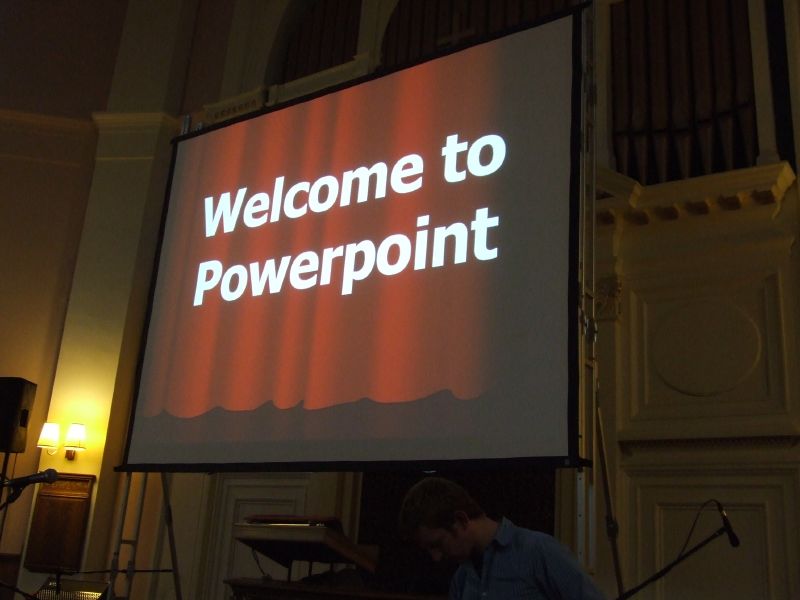
Going analog? I like to play acoustic guitar once in a while but prefer my electric. As for digital projects, I do a mix but the greater percentage is digital within the medium(s). I guess I'm no different from the moaning students, "What? We have to hand in pencil notes too?"
As for presentations? I don't have any. I've never given any. Never used a slide show and projector for teaching. My school had a projector but it's gone AWOL. I'm taking a look at this whole presentation thing as something I'll be better prepared for when time comes for actually making and doing one. In the meantime, I'm gathering in the tips, tricks and suggestions and will also be generalizing them to be used in other media and presentation venues such as project website design and even my training website design. I think we need a few definitions of what presentations are in order for us to get this all right. I understand why we should take the time and think through a presentation that may bring in a few million start-up dollars from investors. Teachers making a dozen slides with bulleted highlights for a civil war lesson will never go away and I don't they they ought to if they serve the purpose well. Realistically, teachers aren't going to take the extra 30-40 minutes for tomorrow's class to go to the coffee shop and think analog, then another 30-40 minutes to get it all right with the sticky graphics, text & layout. They might do this occasionally but not for every day stuff. I do think that it is possible and recommended to take some of this in and make some changes that may end up with something more effective than bullets for those that use slides/presentations regularly.
What kind of presentations are we talking about here for teachers to make? Who is the audience? What are the presentations about? What is their purpose?
Question?: Does any one know of an accessible/downloadable database of the Wisconsin State Standards or Common Core Standards. I hate looking through all the individual documents and wish I could access it easily. I know many proprietary programs like Build your Own Curriculum have it built in as a feature but can us common folk get it some where?
Monday, October 17, 2011
CEDO 530 Week 1
I'm looking forward to getting into the meat of this course. Anything with design... I'm there. Learning how to create great stories and using new tools to create them - something I just haven't had the time to do before but now will have to and will enjoy.
I've never thought of myself as a great storyteller. I've told lots of people about my experiences, episodes and traveling but I've never approached them in the context of "storytelling" as I think we will learn about.
About presentations. I know there has been/is much ballyhoo about bad presentations and agree for the most part. Here are some thoughts I wrote while looking at some of the readings:
Powerpoint is Evil: I think the author is just ranting, not even showing what a great presentation should be. Though I know his rants have merits, his presentation lost my regard. Anti-Kudos back to you.
Research Points a Finger at PowerPoint: Yes, a slide should focus attention on the topic, not be a redundant visual echo. I’d have to disagree with speaking/listening and reading at the same time at least to some extent. How do children learn to read? They follow along as you read aloud to them. Duh! but I guess that wasn't the focus of this argument. Showing students a solution is called giving an example, something I think teachers do all the time. I don't think giving solutions to students and not having them come up with their own is a great idea. Maybe I missed something there???
WeVideo
Here is a freebie for you. Found it while looking for copyright/usable media. An new on-line video editor that seems to work pretty well. 1GB storage with free account Early adopters get "Plus" account benefits (10GB and more). Not too many bells and whistles, but enough for learning and students. I haven't been to a lot of other on-line video editors lately so I'm not sure how it stacks up but it worked fine for me.
I've never thought of myself as a great storyteller. I've told lots of people about my experiences, episodes and traveling but I've never approached them in the context of "storytelling" as I think we will learn about.
About presentations. I know there has been/is much ballyhoo about bad presentations and agree for the most part. Here are some thoughts I wrote while looking at some of the readings:
Powerpoint is Evil: I think the author is just ranting, not even showing what a great presentation should be. Though I know his rants have merits, his presentation lost my regard. Anti-Kudos back to you.
Research Points a Finger at PowerPoint: Yes, a slide should focus attention on the topic, not be a redundant visual echo. I’d have to disagree with speaking/listening and reading at the same time at least to some extent. How do children learn to read? They follow along as you read aloud to them. Duh! but I guess that wasn't the focus of this argument. Showing students a solution is called giving an example, something I think teachers do all the time. I don't think giving solutions to students and not having them come up with their own is a great idea. Maybe I missed something there???
WeVideo
Here is a freebie for you. Found it while looking for copyright/usable media. An new on-line video editor that seems to work pretty well. 1GB storage with free account Early adopters get "Plus" account benefits (10GB and more). Not too many bells and whistles, but enough for learning and students. I haven't been to a lot of other on-line video editors lately so I'm not sure how it stacks up but it worked fine for me.
Subscribe to:
Posts (Atom)

